During the job
Collect new requests while your hands are occupied with the work.
Our answering service for roofers answers as your business day and night and books inspections once you forward your number. Try a hail damage call in the browser demo to hear your AI receptionist take the details and book an inspection.
Hail hits. Phones light up. Your receptionist answers and books roof inspections.
Free trial on request: 14 days, up to 100 minutesPrivacySecurity
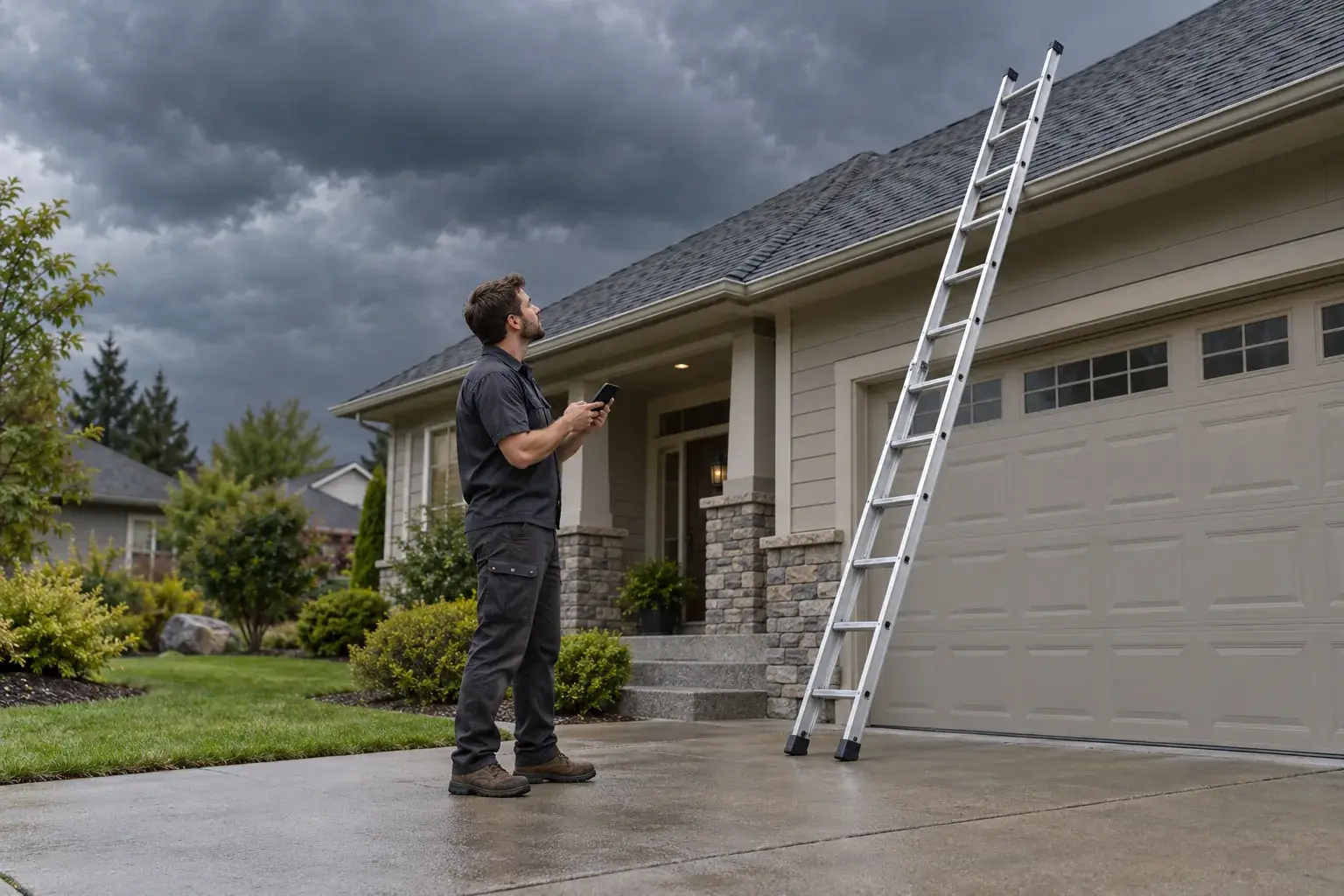
Roofing calls can reach you while you are on a roof, helping another homeowner or closed for the night. Our roofing answering service takes the details so you have a clear message to act on.

A missed roofing call can mean losing the chance to quote a repair or arrange an inspection. It can also leave an existing customer wondering when the crew will arrive. You need enough information to decide what deserves a callback before the next job starts.
Your receptionist asks about the request and applies the urgency rules you provide. A homeowner describing water coming through a ceiling needs a different response from someone planning a roof replacement next spring. The AI collects the details and alerts you; your team decides what work to take and when it can attend. Explore storm season call handling for the storm-day workflow.
Your receptionist asks roofing intake questions, flags urgency using your rules and sends a summary with the transcript and recording. It can book an inspection or gather details for your callback.
New call for Ridgeway Roofing
Active leak during rain.
Transferred to the on-call person. They get a short summary first and press 1 to accept the call.
Short transcript (example)
Open the dashboard for the full transcript and recording.
We teach your receptionist the services you offer, your service area and the questions you want answered. On a leak call, that can mean asking where water is entering, when it started and how to reach the homeowner. For an inspection request, it can gather the property details and book into Google Calendar.
An active leak near electrical fixtures calls for safety instructions first, followed by an alert to your team. Insurance questions are taken down and routed; your receptionist does not negotiate claims or give insurance advice. You set who receives urgent calls and the order for reaching them. See how inspection booking works before choosing your intake questions.
The browser demo below lets you hear how the receptionist handles fictional roofing calls. Listen for the opening disclosure, relevant questions and a next step that fits the situation.
Pretend business (fictional): Ridgeway Roofing
First pick a scenario, then press Start a call.
New call for Ridgeway Roofing
Hail storm: roof damage call.
Took a message for the owner and saved the caller number.
Short transcript (example)
Open the dashboard for the full transcript and recording.
Example owner message after a call like this one.
New call for Ridgeway Roofing
Hail storm: roof damage call.
Took a message for the owner and saved the caller number.
Short transcript (example)
Open the dashboard for the full transcript and recording.
New call for Ridgeway Roofing
Active leak during rain.
Transferred to the on-call person. They get a short summary first and press 1 to accept the call.
Short transcript (example)
Open the dashboard for the full transcript and recording.
New call for Ridgeway Roofing
Insurance claim question.
Took a message for the owner and saved the caller number.
Short transcript (example)
Open the dashboard for the full transcript and recording.
New call for Ridgeway Roofing
Inspection booking.
Appointment booked: Thursday, 9 to 11 a.m. (example time). See the summary for the confirmation.
Short transcript (example)
Open the dashboard for the full transcript and recording.
New call for Ridgeway Roofing
Existing job: when is the crew coming.
Took a message for the owner and saved the caller number.
Short transcript (example)
Open the dashboard for the full transcript and recording.
New call for Ridgeway Roofing
Storm-day overflow call.
Took a message for the owner and saved the caller number.
Short transcript (example)
Open the dashboard for the full transcript and recording.
Try the receptionist as a homeowner calling a fictional roofing business. Start with hail damage, a leak during rain or a request to book an inspection. Pay attention to whether the questions give the owner enough detail to respond.
Then try an insurance question, a crew arrival question or a storm-day overflow call. Listen for the boundary between taking a message and promising something the roofer has not authorized. The receptionist identifies itself as a virtual assistant and says the call is recorded.
Use invented details so the demonstration stays separate from real customer work. Open all six roofing demo scenarios to compare the call results.
You choose which calls to forward, and the AI receptionist answers as your business. We send call details by email and app push, with inspection booking or urgent routing where appropriate.
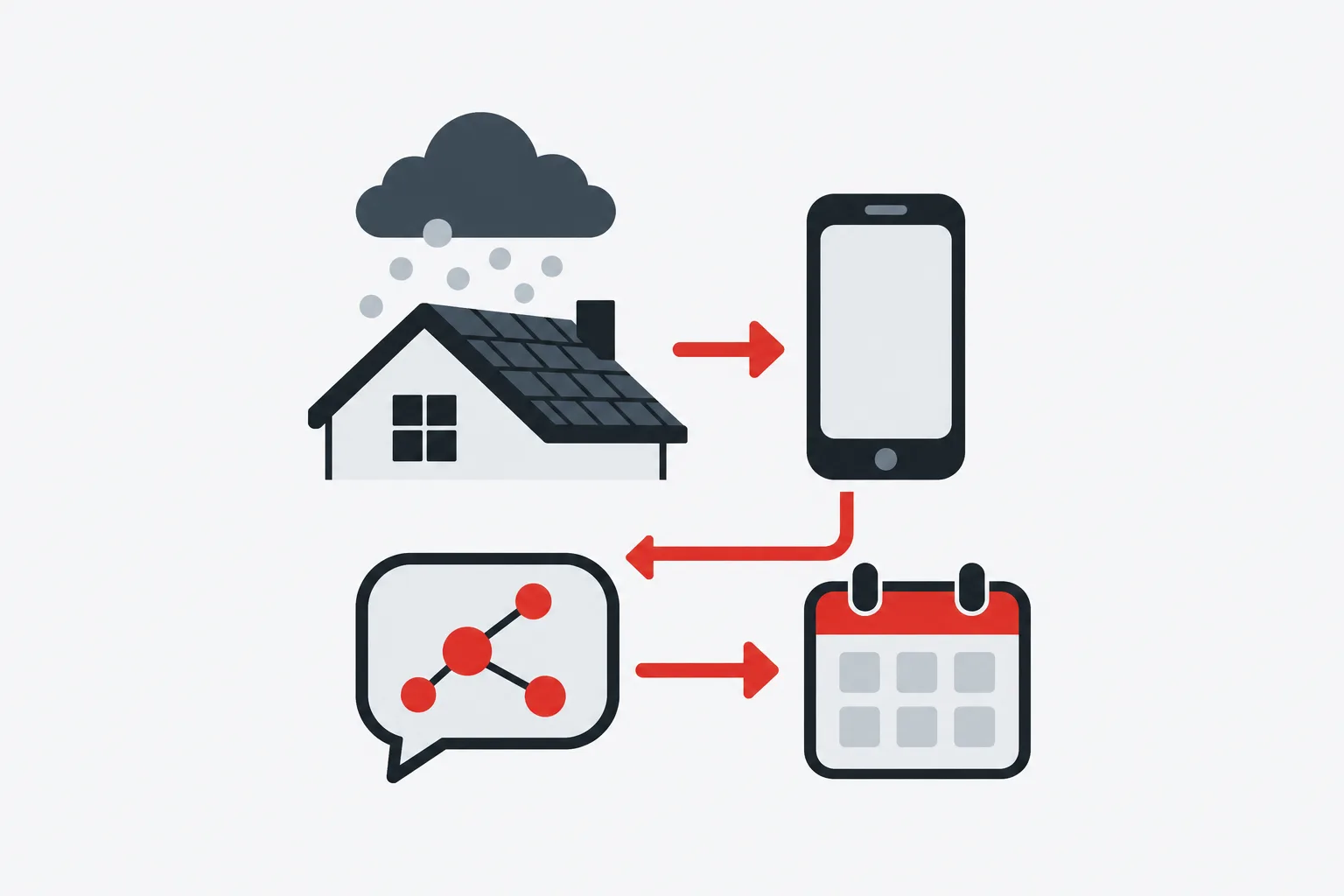
You do not need to replace the business number homeowners already use. We provide a local number and a forwarding guide for your carrier or phone system. You choose the forwarding arrangement, then make a test call before going live.
When an urgent call needs your on-call person, the warm transfer gives them a short summary first. They press 1 to take the call.
You can also choose a page and set the escalation order. Routine calls produce the details you need for a callback, or an appointment booked into Google Calendar. Follow the setup and call flow to see where your choices take effect.
AI answering collects details using your instructions; a live receptionist brings personal judgment; voicemail lets callers leave a message. Choose around the conversations your roofing business needs someone to handle.
An answering service for roofing companies should fit the calls the owner wants to hand off. AI can ask your intake questions, book inspections and follow the urgent routing instructions you set. It can make mistakes, so reviewing summaries is part of using it.
A live receptionist can draw on human judgment when a homeowner is upset or a request needs discussion. Ask each provider what its staff can handle and which calls come back to you. Voicemail gives callers a way to leave details, but the message alone cannot ask a follow-up question. Use the answering service comparison to frame your own shortlist.
Our plan is $249 per month with 500 AI minutes included and $0.20 per extra minute. Compare options using call length, coverage hours and the follow-up work left for your team.
Single plan
$249 a month
Case-study price: $199 per month, locked for 12 months, for 10 businesses that agree to a short case study about their results.
Request a trialOptional add-ons
The cost of handling one call depends on both the billing model and what happens afterward. A short message may still need your time to collect the property address, clarify the problem and arrange a visit. An inspection booking can leave you with a different amount of follow-up work.
For live answering, ask how the provider bills calls and what its quoted service includes. For an employee, consider the hours you need covered alongside their other duties. Our plan is $249 per month, includes 500 AI minutes and bills extra minutes at $0.20. Review the plan and upcoming trial terms with your usual call patterns in mind.
You can enter the call summaries into the roofing software you already use. Direct software connections are not live yet; Google Calendar booking is available for appointments.
Call summaries give you information to enter into your existing job records. If your office uses AccuLynx, JobNimbus, Roofr, Leap or CompanyCam, your team handles that entry. We are planning direct connections based on demand.
For appointments, your receptionist can book into Google Calendar. If you prefer to arrange visits yourself, it takes the details for your callback instead.
That choice lets you keep scheduling decisions with the person who knows crew availability and travel needs. Use the transcript and recording to check any detail before it becomes part of a job. Read the current software connection status when evaluating your office workflow.
Setup starts with an onboarding chat about your roofing business and website, followed by a test call. You check the greeting, intake questions and urgent routing before forwarding real calls.
The onboarding chat asks about your business in plain language. We use your answers and website to teach the receptionist what you do, where you work and how you want calls handled. Include exclusions, such as roof types or repairs you do not take on.
Before forwarding goes live, call with a realistic example. Try a leak outside your usual area or an inspection request during a busy week. Review the summary and check that the escalation route matches your instructions.
Change settings by telling the AI what needs adjusting. Request a free trial for your business to test your own call flow; we'll email your sign-in link when ready.
Ask any answering service to show how it handles your hardest roofing calls, explains its charges and reaches your urgent contact. Use the same examples when testing us and other options.
Ask who answers after closing, how the caller is greeted and what the service records. Give the provider a scenario with missing information and see whether it gathers useful details or makes an unsupported promise. For roofing work, an inspection request and an insurance question test different boundaries.
Check how you receive messages, whether you can review the conversation and how to change instructions. Ask where calls go if the service stops. For us, calls go to your backup number or voicemail when a plan lapses. Try the receptionist with a roofing scenario and read our information handling details as part of your review.
You can forward storm-day calls to the receptionist so it can collect damage details, flag urgency and send messages for your team. Set your intake and escalation rules before the weather turns. Try the storm-day overflow scenario in the demo to assess the conversation yourself.
Your receptionist can take down an insurance question and route it to your team. It does not negotiate claims or give insurance advice. Teach it your instructions for these calls so a homeowner gets a clear next step without a promise about coverage or payment.
Yes, your receptionist can book appointments into Google Calendar using the business instructions you provide. If you want your office to arrange visits, it can take the property details and request for your callback instead. Choose the approach that fits how you schedule inspections.
It asks intake questions and flags urgency according to your rules. Describe what counts as urgent during onboarding, including how you handle active leaks. For water near electrical fixtures or wiring, the safety instructions come first, followed by an alert to your team.
Yes. The receptionist says it is a virtual assistant and that the call is recorded at the start of each call. Those notices stay on. You can review the transcript and recording with the call summary, and demo calls are recorded too.
Yes. Keep your business number and forward calls to the local number we provide. You can forward all calls or only busy, unanswered or after-hours calls. We provide a forwarding guide for your carrier or phone system and a test call before going live.
Yes, set the urgent contact and escalation order during setup. With a warm transfer, the on-call person hears a short summary and presses 1 to accept the call. You can choose a page instead, and call alerts also arrive by email and app push.
You receive an email and app push alert for each call, with a summary, urgency tag, transcript and recording, plus a daily digest email. The receptionist speaks English and Spanish. Callers can switch between those languages during the conversation without starting a new call.
Give it your business policies and instructions for questions that need your attention. It can take complete messages and gather details for your callback. It cannot inspect a roof or decide the repair for you. Review summaries and keep a backup way to be reached.
Try the browser demo without signing up, then request a free trial: 14 days, capped at 100 minutes. A card is required before call forwarding goes live. Setup happens through an email sign-in link and an onboarding chat, with no sales call.
Try a fictional roof leak or hail damage call in your browser. Then request a free trial to set your service area, inspection schedule and urgent-call contacts; we'll email your sign-in link when ready.